

Session Header & Menu
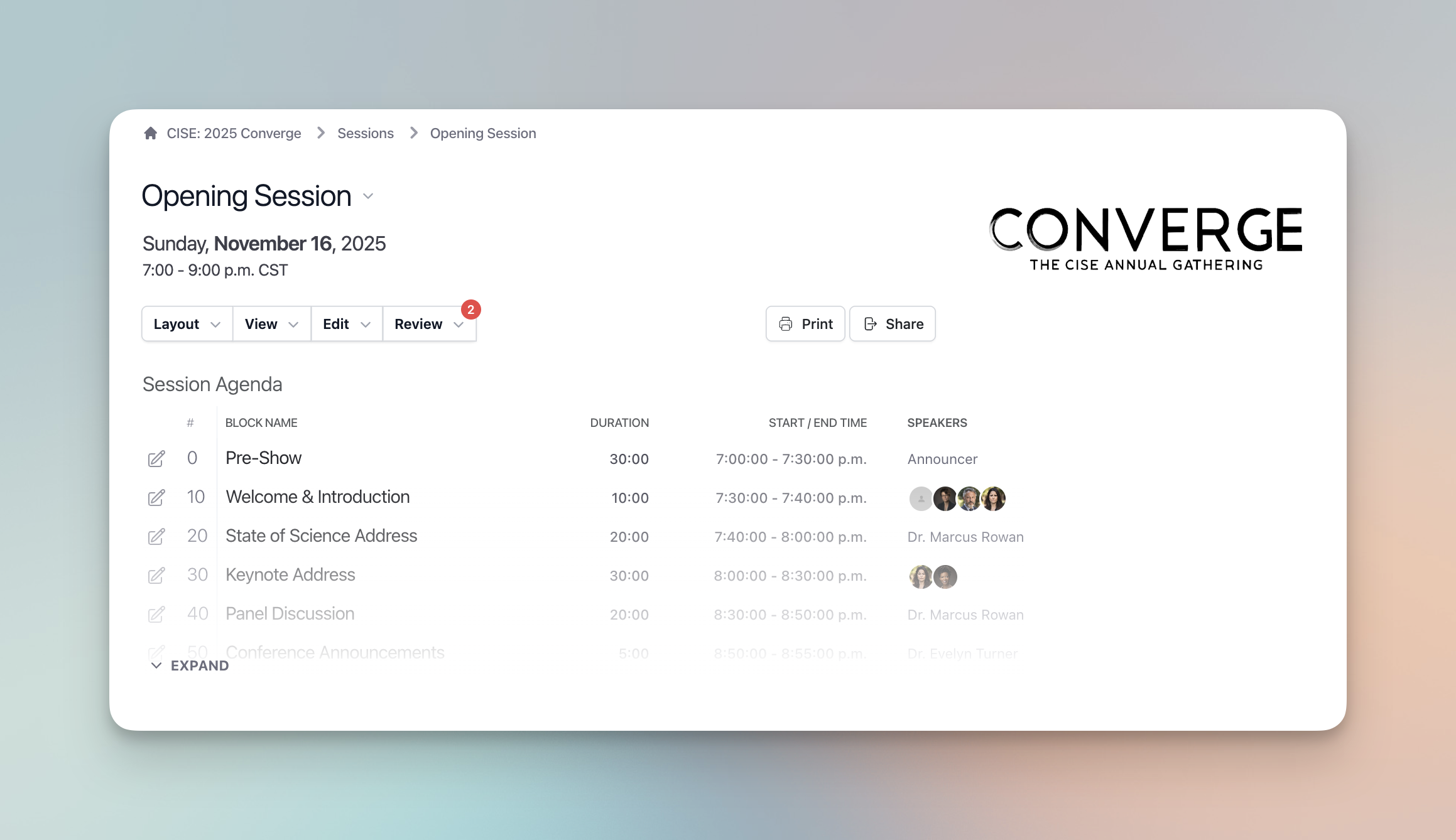
The session header and menu bar allow for quick and simple session navigation.
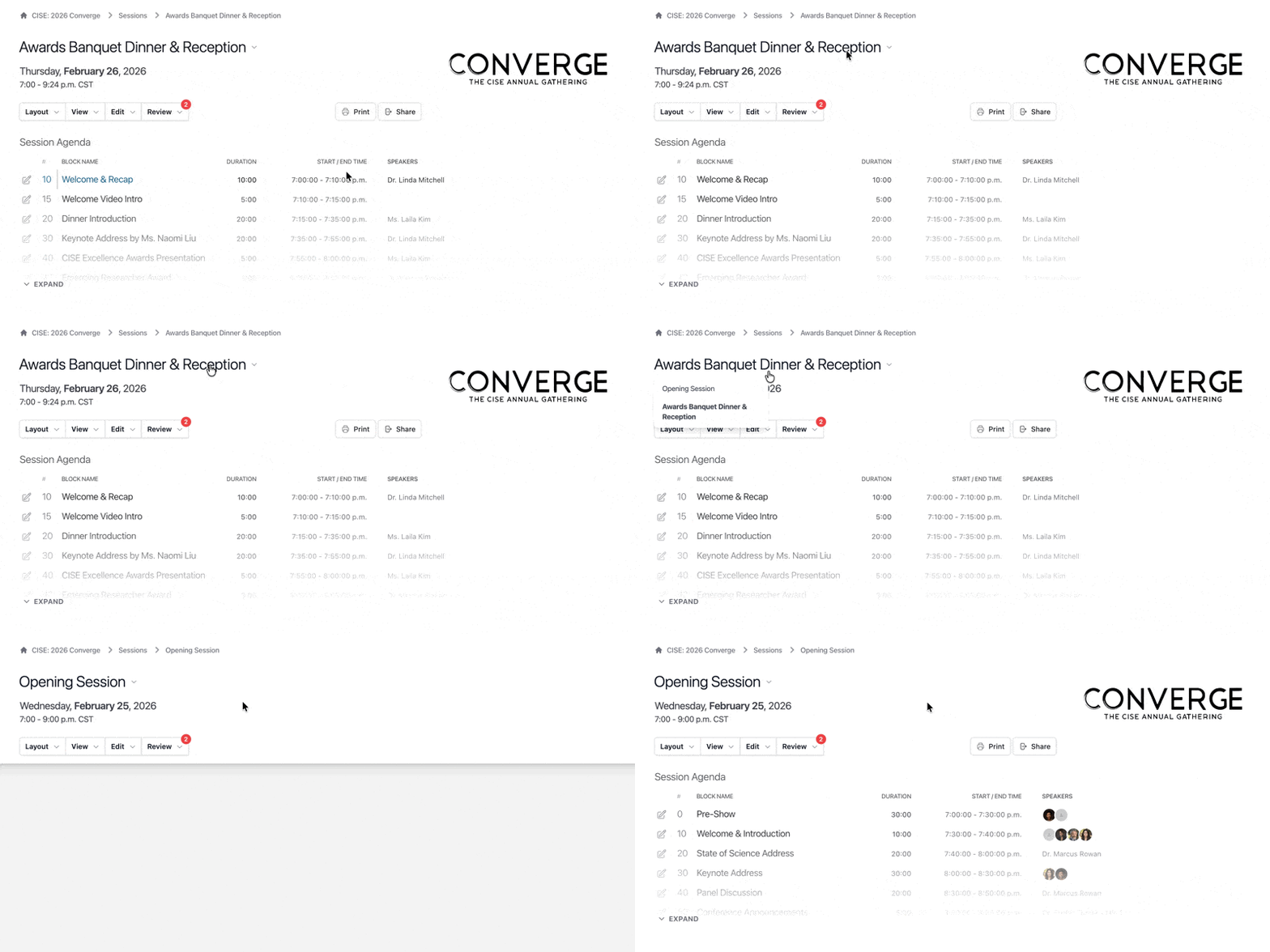
If you have built more than one session, you can hover over the session name in the session dashboard and a dropdown beside the session name will populate to quickly jump you to another session.
Here’s what you will find in the menu bar (Note: The visibility of these options will vary based on your permission access and the level of your subscription):
Layout Script View Run of Show
View
- All Cues/Department Cues/Hide Cues
- Hide/Show Confidential Data
- Hide/Show Comments
- Hide/Show Private Notes
- Hide/Show Editing Controls
Edit:
- Edit Session
- Block Builder
- Bulk Data Import
- Graphics
- Voiceovers
- Songs
Review
- Comments
- Highlights
- Private Notes
- Graphics
- Search
Deploy
- Resolume
- Teleprompter